Brenlify, Where Ideas Turn into Digital Growth.

  • hello@brenlify.com

Brenlify
  • Home
  • Services
    • Explore servicesCreative support for every stage of your brand.

      Choose a category to see services, packages and pricing.

      View all services
      Logo & Brand IdentityLogos, brand systems and visual direction.Website & App DesignBusiness websites, landing pages and digital experiences.Illustration & Creative ArtCustom illustration, patterns and visual assets.Marketing & Campaign DesignSocial content, ads, flyers and campaign creative.Print & Brand EssentialsBrochures, menus, stationery and print design.Packaging & Label DesignPackaging systems, labels and product artwork.Career BrandingResumes, personal branding and professional presentation.Templates & Business ToolsReusable templates, presentations and practical tools.
      Featured service

      Managed Website Design + Care

      A professional website with ongoing updates, support and care in one package.

      Bun & Ember responsive restaurant website project
      See packagesStart a project
  • Growth Lab
    • Explore Growth LabLearn & GrowPractical PDF books, guides and working resources you can keep and use.Insights & ArticlesIdeas for branding, design and digital growth.My LibraryRead and download your purchased books.
      BRENLIFYGROWTH LAB
      Digital book + PDF

      Crypto Mastery

      A practical guide to crypto, blockchain, investing and digital-asset security.

      161 pagesBeginner
      Explore book
      Latest article

      How to Balance a Logo Like a Professional

      Learn how to align a symbol and wordmark with practical grid units, optical correction, horizontal and vertical lockups, clearspace rules and real-world testing.

      How to Balance a Logo Like a Professional
      Read article
  • Our Work
  • About
Let's Talk
Brenlify
  • Home
  • Services
    • Explore servicesCreative support for every stage of your brand.

      Choose a category to see services, packages and pricing.

      View all services
      Logo & Brand IdentityLogos, brand systems and visual direction.Website & App DesignBusiness websites, landing pages and digital experiences.Illustration & Creative ArtCustom illustration, patterns and visual assets.Marketing & Campaign DesignSocial content, ads, flyers and campaign creative.Print & Brand EssentialsBrochures, menus, stationery and print design.Packaging & Label DesignPackaging systems, labels and product artwork.Career BrandingResumes, personal branding and professional presentation.Templates & Business ToolsReusable templates, presentations and practical tools.
      Featured service

      Managed Website Design + Care

      A professional website with ongoing updates, support and care in one package.

      Bun & Ember responsive restaurant website project
      See packagesStart a project
  • Growth Lab
    • Explore Growth LabLearn & GrowPractical PDF books, guides and working resources you can keep and use.Insights & ArticlesIdeas for branding, design and digital growth.My LibraryRead and download your purchased books.
      BRENLIFYGROWTH LAB
      Digital book + PDF

      Crypto Mastery

      A practical guide to crypto, blockchain, investing and digital-asset security.

      161 pagesBeginner
      Explore book
      Latest article

      How to Balance a Logo Like a Professional

      Learn how to align a symbol and wordmark with practical grid units, optical correction, horizontal and vertical lockups, clearspace rules and real-world testing.

      How to Balance a Logo Like a Professional
      Read article
  • Our Work
  • About
Let's Talk
Logo
  • Home
  • Services
    • Logo & Brand Identity
    • Website & App Design
    • Illustration & Creative Art
    • Marketing & Campaign Design
    • Print & Brand Essentials
    • Packaging & Label Design
    • Career Branding
    • Templates & Business Tools
    • View All Services
  • Growth Lab
    • Learn & Grow
    • Insights & Articles
    • My Library
    • Visit Growth Lab
  • Our Work
  • About
  • Contact
  • hello@brenlify.com
X
Brenlify

Start Here

Creative services and practical learning in one place. Choose the path that matches what you need right now.

Start a ProjectExplore ServicesLearn in Growth LabSee Our Work
Prefer a quick question?hello@brenlify.com

AI Agents: What They Are, What They Can Do, and How to Build One

  • Home
  • Insights & Articles
  • AI
AI Agents: What They Are, What They Can Do, and How to Build One
PageBrenlify | Digital GrowthBrenlify.com
Growth Lab • AI

AI Agents: What They Are, What They Can Do, and How to Build One

A practical guide to understanding AI agents, what they can actually do, where they are useful and how to build one for repetitive work without giving it more control than it needs.

24 September 202614 min read
Growth Lab • AI
A practical guide to understanding AI agents, what they can actually do, where they are useful and how to build one for repetitive work without giving it more control than it needs.
24 September 202614 min read
Font size
On this page
What is an AI agent?Agent vs chatbot vs automationThe five building blocksWhat agents can doWhen to use an agentBuild your first agentNo-code or code?A practical exampleGuardrails and safetyMeasure successCommon questions
Related servicesNeed help with this?
Brenlify service

Excel Automation & VBA Solutions

From A$299

View service →
Brenlify service

Forms Design & Integration

From A$149

View service →
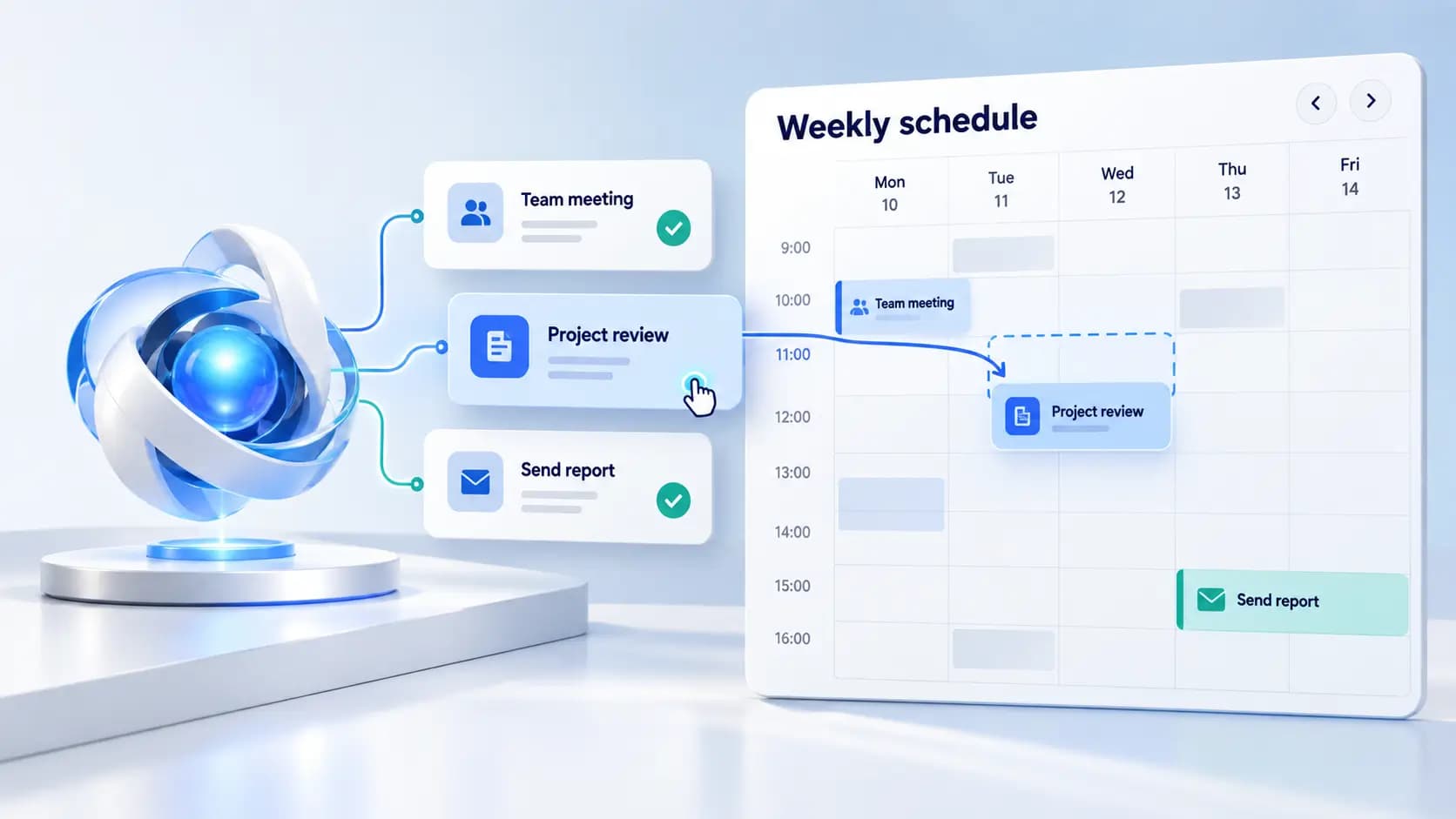
AI agent workflow illustration
00
The short version

An AI agent can pursue a goal, decide what to do next and use tools to take action.

A useful agent combines a capable AI model, clear instructions, access to specific tools, relevant context and guardrails. The best first use cases are repetitive digital tasks with clear inputs, clear outputs and a human-review point for anything important.

01

What is an AI agent?

A normal AI chat experience mainly responds to what you type. An AI agent goes a step further. You give it an outcome, it works out a path, uses the tools available to it, checks what happened and decides whether another step is needed.

OpenAI describes agents as systems that can independently accomplish tasks on a user's behalf, with a model managing workflow execution and tools allowing the system to gather information or take actions. Anthropic makes a useful distinction between fixed workflows and agents: workflows follow predefined paths, while agents dynamically decide how to proceed based on the situation.

A simple way to think about it: automation follows a recipe. An agent can read the goal, notice that something changed and choose an appropriate next step within the rules you gave it.
02

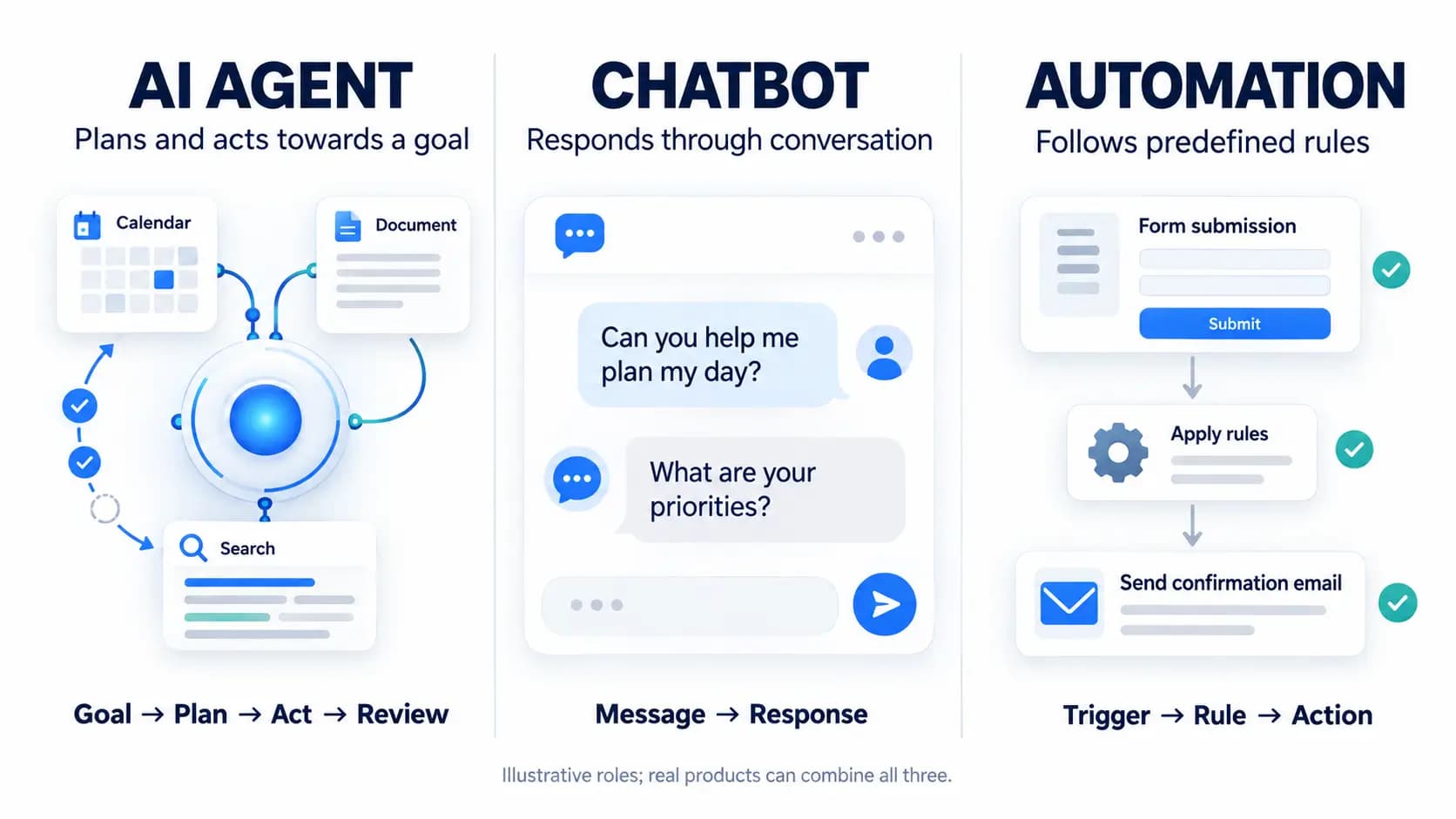
Agent vs chatbot vs automation

ChatbotConversation

Responds to prompts, answers questions and helps draft or explain.

AutomationFixed process

Runs a predictable sequence such as when X happens, do Y.

AI agentGoal + decisions

Chooses the next action based on the goal, context and tool results.

Visual comparison of an AI agent, chatbot and automation

If your task never changes, a simple automation may be cheaper and easier to maintain. An agent becomes useful when the work contains judgement, exceptions, changing information or several possible paths.

03

The five building blocks of a useful agent

  • Model: the reasoning engine that interprets the goal, chooses actions and evaluates results.
  • Instructions: the goal, rules, quality bar, escalation logic and definition of done.
  • Tools: the functions or apps the agent can use to search, read, create or update information.
  • Context: the relevant customer, project, business or workflow information needed for the job.
  • Guardrails: permission boundaries, approval points, stop conditions and fallbacks.
04

What can AI agents actually do?

Agents are most useful when work happens across several steps or apps and a person currently spends time moving information from one place to another.

Inbox triage

Read new enquiries, classify the request, draft a response and route it to the right person.

Content operations

Turn one approved article into social captions, newsletter copy and a repurposing checklist.

Reporting

Collect recurring metrics, compare periods and prepare a useful summary for review.

Research

Search approved sources, organise findings and flag missing information.

Admin

Prepare notes, create follow-up tasks and update routine records.

Quality checks

Review content or files against a checklist and flag missing items.

The goal is not to remove people from every process. It is to remove repetitive hand-offs so people can spend more time on judgement, creativity, relationships and decisions.

05

When should you use an agent?

A strong first agent usually handles a frequent digital task with clear inputs, clear outputs and a review point before anything important becomes final.

  • The task happens frequently.
  • The input and desired output are easy to describe.
  • The work is mostly digital and the required systems can be connected.
  • There are exceptions that make rigid automation awkward.
  • A mistake can be caught before it becomes expensive or irreversible.
  • You can measure whether the result is actually useful.
If a spreadsheet formula, form rule or fixed automation solves the problem reliably, use the simpler tool. Do not begin with a high-stakes process where one wrong action could seriously affect money, legal rights, health, safety or customer trust.
06

How to build your first AI agent

01
Choose one repetitive job

Start with a narrow outcome, not “run my business”.

02
Define the trigger and finish line

Write what starts the task, what information is available and what complete looks like.

03
Give it instructions and examples

Include your process, terminology, brand voice and examples of acceptable output.

04
Connect only the tools it needs

Begin with the smallest possible permission set.

05
Add approval points

Require a person for high-impact actions, unusual requests or low-confidence cases.

06
Test messy examples

Try missing fields, contradictory information, tool failures and cases that should escalate.

07
Measure before expanding

Add more tools or autonomy only after the narrow version is dependable.

Starter brief

Goal: What outcome should the agent achieve?

Trigger: What starts the task?

Inputs: What information may it use?

Tools: Which apps or functions may it access?

Rules: What must it always or never do?

Approval: Which actions require a human?

Done: How does it know the task is complete?

07

No-code, low-code or developer-built?

Start hereNo-code / low-code

Useful for internal workflows, prototypes and connecting common business apps. You configure triggers, instructions, steps and approvals visually.

More controlDeveloper-built

Better when you need custom tools, your own database, stricter permissions, observability, advanced routing or an agent inside a product.

08

Practical example: a website enquiry assistant

Imagine a small creative business receives enquiries through a website form. A useful first agent could handle the repetitive preparation work without making commercial decisions on its own.

  1. Trigger: a new enquiry arrives.
  2. Understand: classify the request, such as logo, website, social content or something unclear.
  3. Check: compare it with current service information and required project details.
  4. Prepare: draft a tailored response and list any missing questions.
  5. Human approval: a person checks scope, price and promises before anything is sent.

This removes repetitive reading and drafting, but keeps pricing, commitments and relationship decisions with a human.

09

Guardrails that make agents safer

  • Least privilege: give access only to the data and actions required for the job.
  • Human approval: review money movement, publishing and commitments.
  • Source rules: define which documents or systems are authoritative.
  • Stop conditions: cap loops, retries or tool calls.
  • Logging and fallback: keep records and return uncertain work to a person.
10

How do you know if the agent is helping?

Measure the workflow, not the novelty. Track time saved, completion rate, correction rate, cost per task, cycle time and a simple quality score.

Time savedCompletion rateCorrection rateCost per taskCycle timeOutput quality

If an agent creates more checking work than it removes, reduce its scope. A smaller, boring and reliable workflow is more valuable than an impressive demo that needs constant supervision.

11

Common questions

Do I need to know how to code?

No. Visual AI and automation platforms can handle many internal workflows. Code becomes useful for custom integrations, stricter control and product-level experiences.

Is an AI agent the same as a chatbot?

Not usually. A chatbot primarily converses. An agent can use tools and take multiple steps towards an outcome.

Should an agent be fully autonomous?

Rarely as a starting point. Begin with narrow permissions and human approval for high-impact actions.

What is the easiest first agent to build?

Choose a repetitive information task with a clear output, such as preparing enquiry drafts, organising research or turning meeting notes into follow-up tasks.

Do I need to know how to code?

No. Visual AI and automation platforms can handle many internal workflows. Code becomes useful for custom integrations, stricter control and product-level experiences.

Is an AI agent the same as a chatbot?

Not usually. A chatbot primarily converses. An agent can use tools and take multiple steps towards an outcome.

Should an agent be fully autonomous?

Rarely as a starting point. Begin with narrow permissions and human approval for high-impact actions.

What is the easiest first agent to build?

Choose a repetitive information task with a clear output, such as preparing enquiry drafts, organising research or turning meeting notes into follow-up tasks.

12

Further reading

For deeper technical detail, see OpenAI's Practical Guide to Building AI Agents, the OpenAI Agents documentation, and Anthropic's Building Effective Agents.

Growth Lab

Start with one repetitive task.

Write down the trigger, input, output and approval point. That is enough to start designing a useful first agent.

Talk to Brenlify →More insights →
Related servicesNeed help with this?
Brenlify service

Excel Automation & VBA Solutions

From A$299

View service →
Brenlify service

Forms Design & Integration

From A$149

View service →
Keep exploring

Related articles

View all articles →
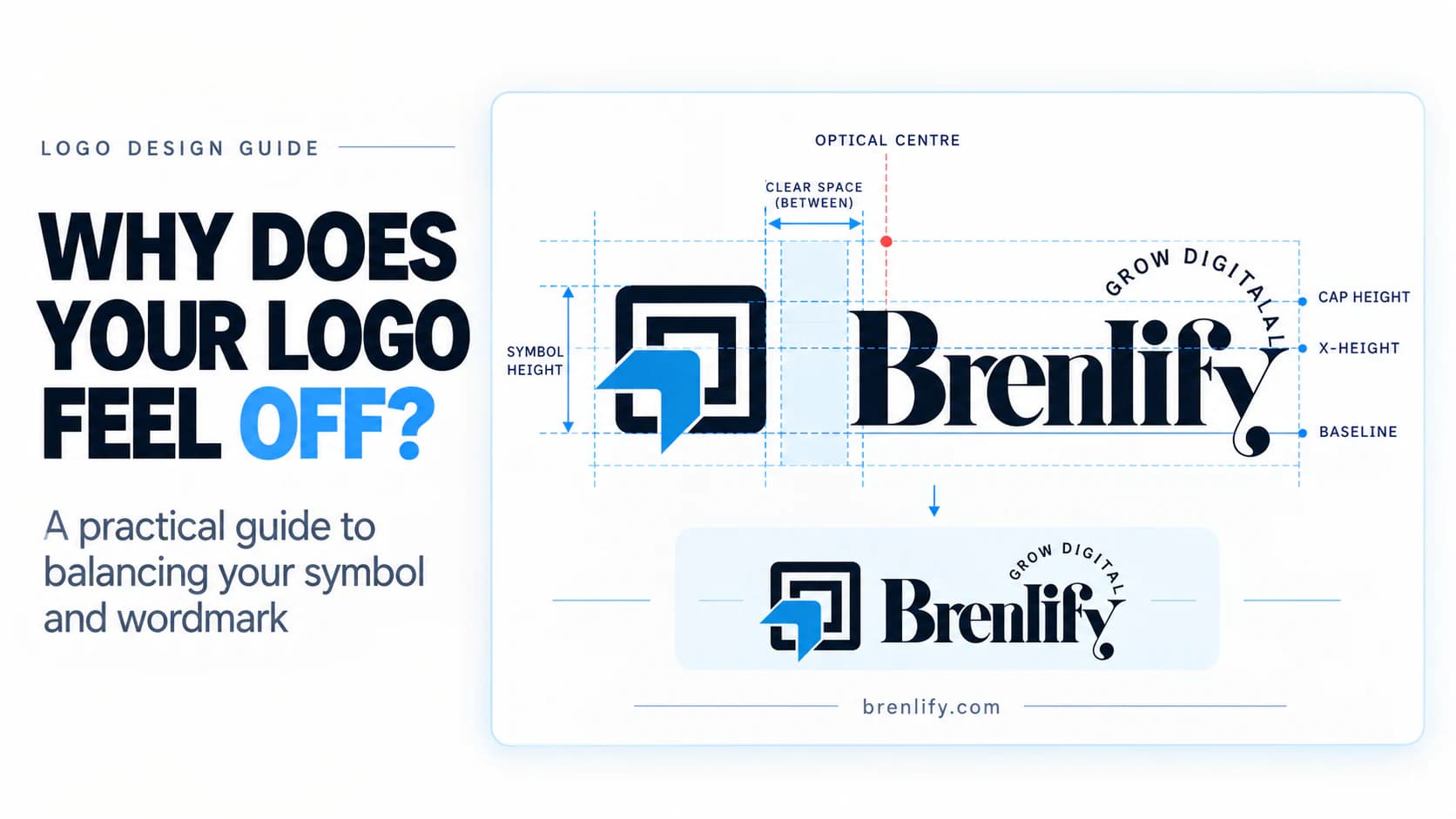
How to Balance a Logo Like a Professional article cover
Branding

Why Does Your Logo Feel Off? How to Balance a Logo Like a Professional

18 min readRead article →
Facebook Ads That Actually Convert article cover
Social Media

How to Run Facebook Ads That Actually Convert: Beginner-to-Pro Guide

30 min readRead article →
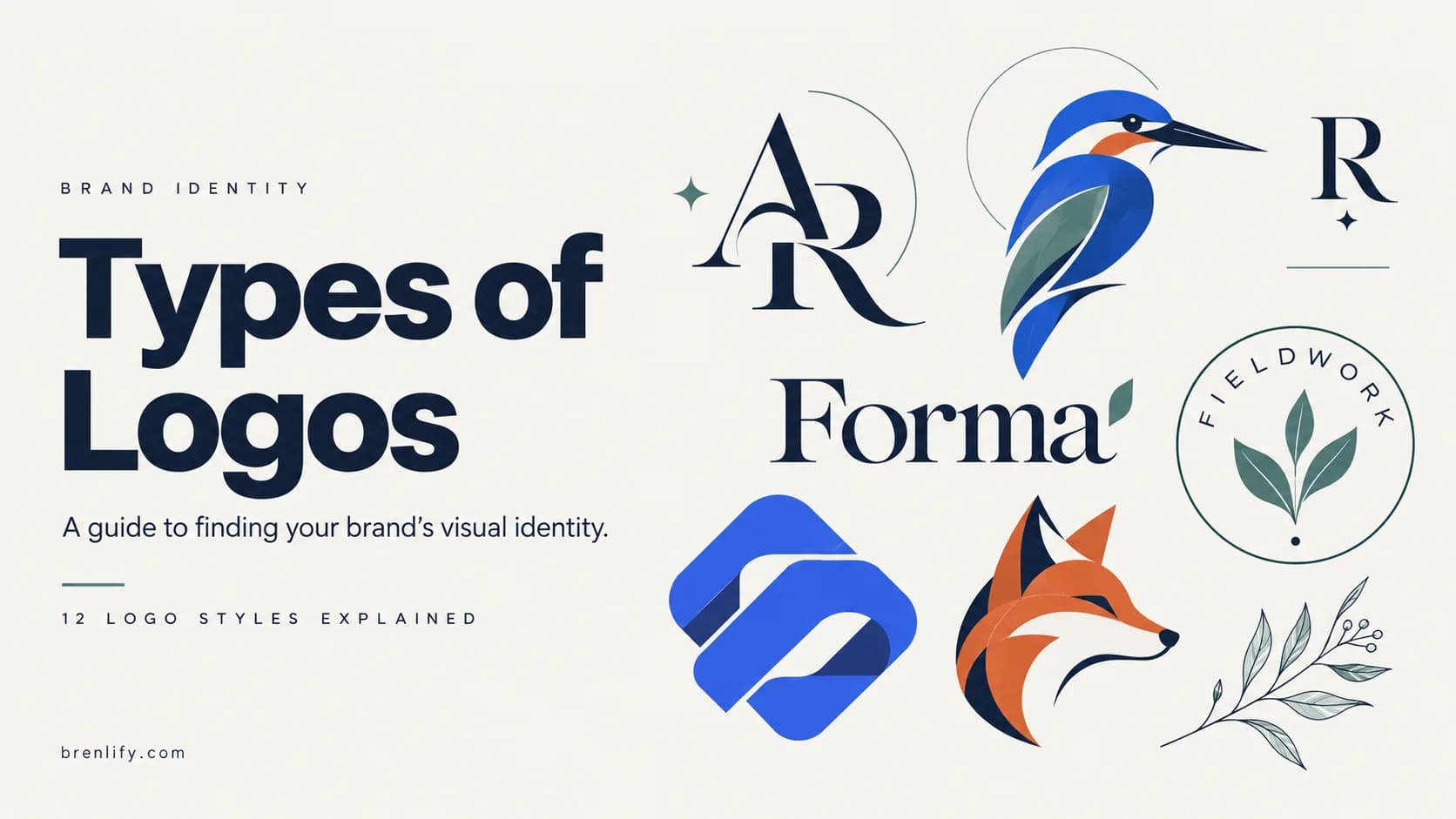
How to Choose the Right Type of Logo article cover
Branding

Types of Logos: How to Choose the Right Logo for Your Business

13 min readRead article →

Keep learning with Brenlify Growth Lab

Explore more practical articles, guides and digital-growth resources at brenlify.com/growth-lab/insights.

Brenlify

Thoughtful branding, websites and creative support for businesses that want to look established, communicate clearly and grow with confidence.

Have a project in mind?

Let's make something worth noticing.

Start a project

Based in

Perth, Western Australia

hello@brenlify.com

Support

  • Help Center
  • FAQs
  • Trust & Safety

Legal

  • Terms of Use
  • Privacy Policy
  • Refund Policy

Company

  • About Us
  • Careers

© 2026 Brenlify. All rights reserved.

Grow Digital.

Instagram